One tap, and it's composed
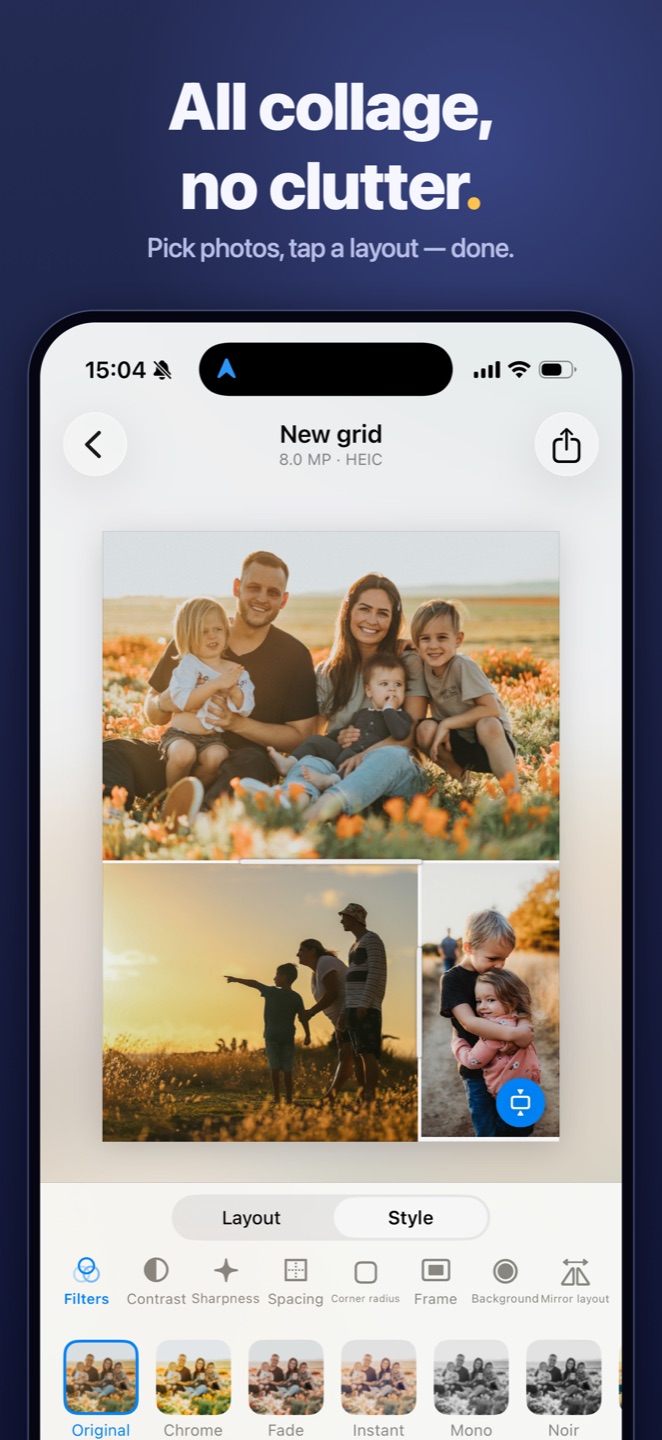
Your photos arrange themselves as they load: the strongest shot takes the largest cell, and every crop lands on faces instead of cutting through them. Want more? Tap Magic and the whole collage is remade — layout, framing and a filter chosen to match your photos. Tap again to undo. It all happens on your iPhone, in a moment.
One photo, a whole grid
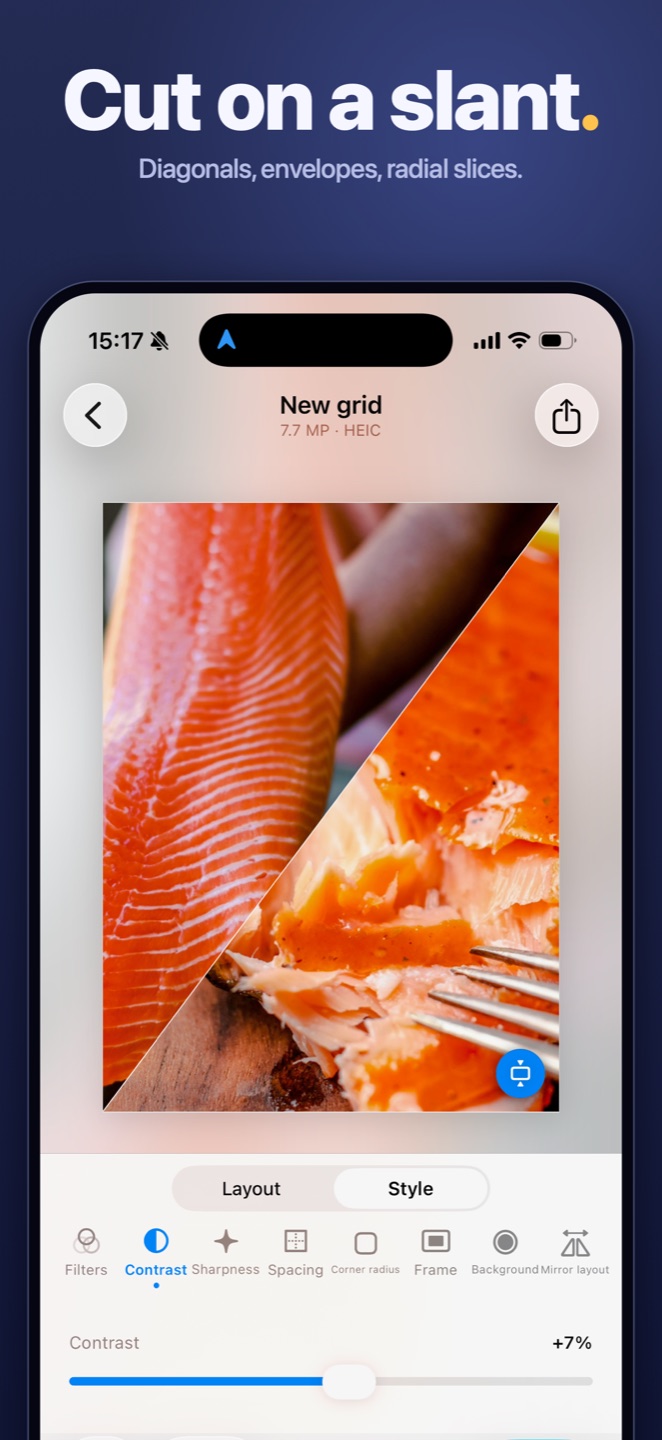
Bring in a single photo and drag the Parts slider: it slices into 2 to 9 pieces, live, in any layout you like — straight grids, diagonals, even a circle with slices fanned around it. Pan and zoom move the photo under the whole grid at once. One picture, suddenly a poster.
Set the mood, soften the edges
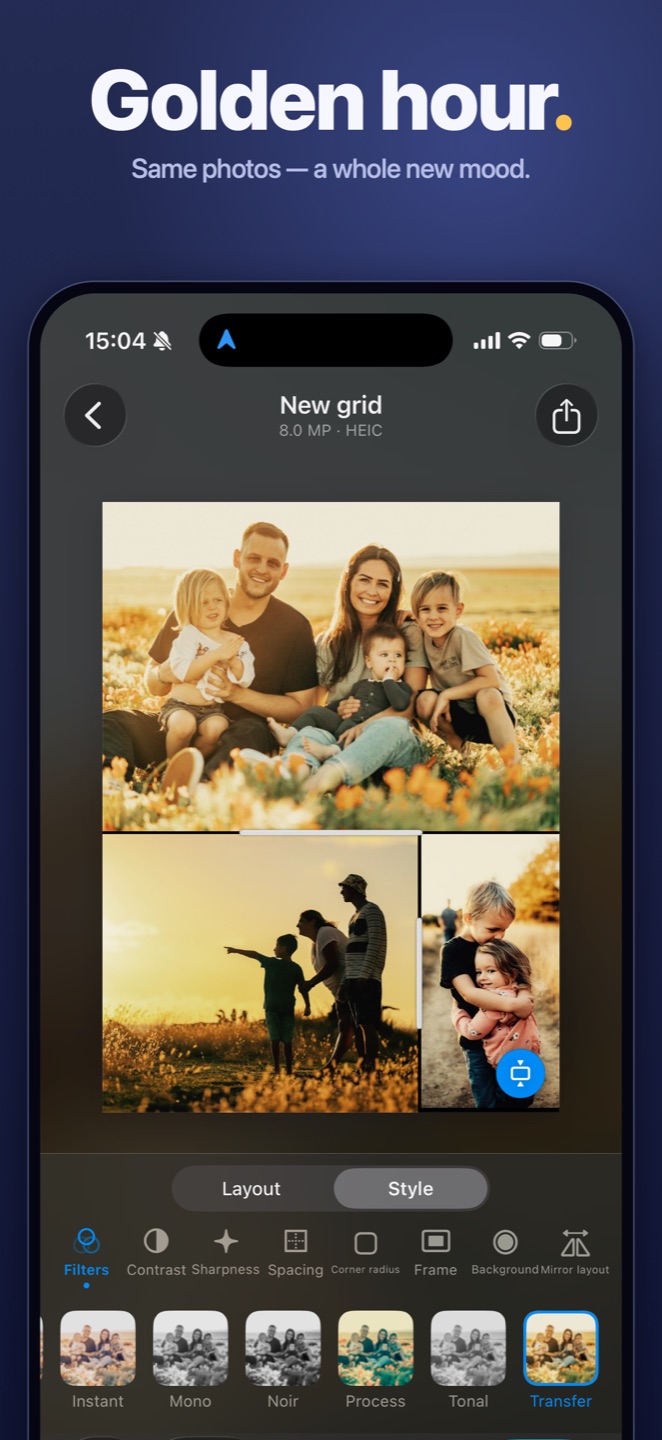
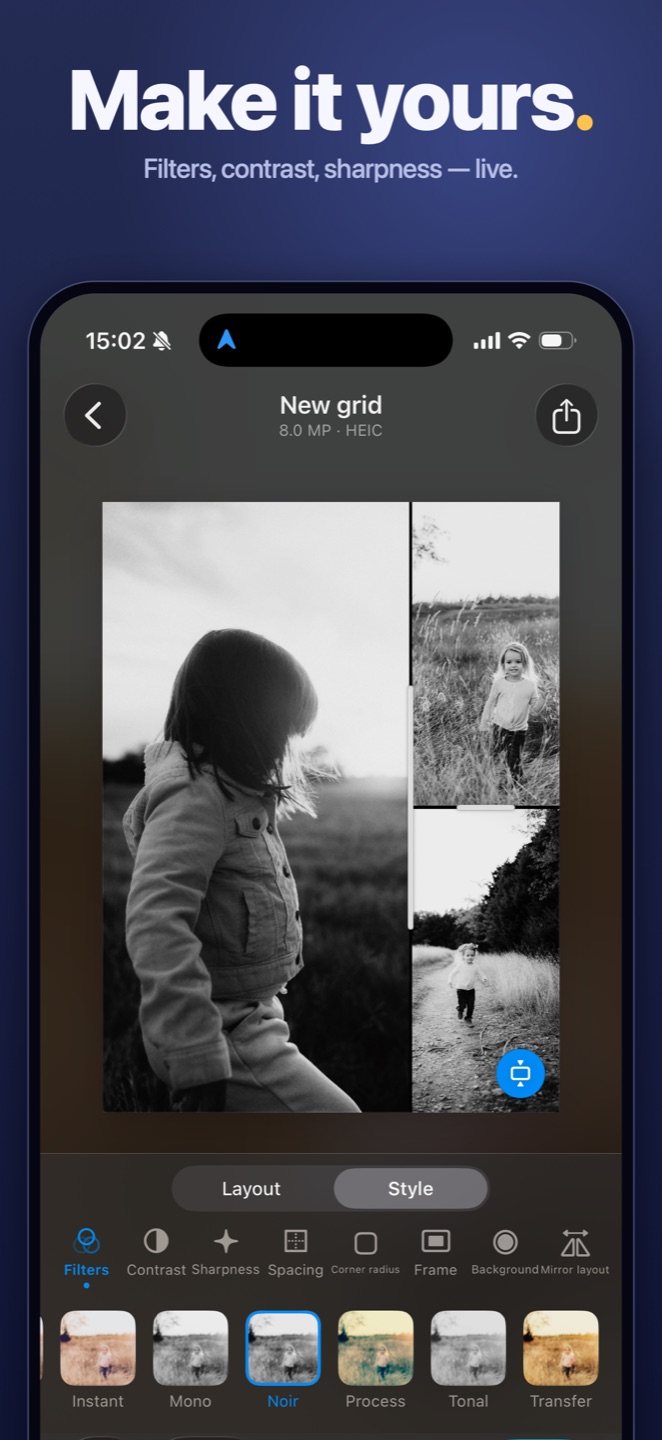
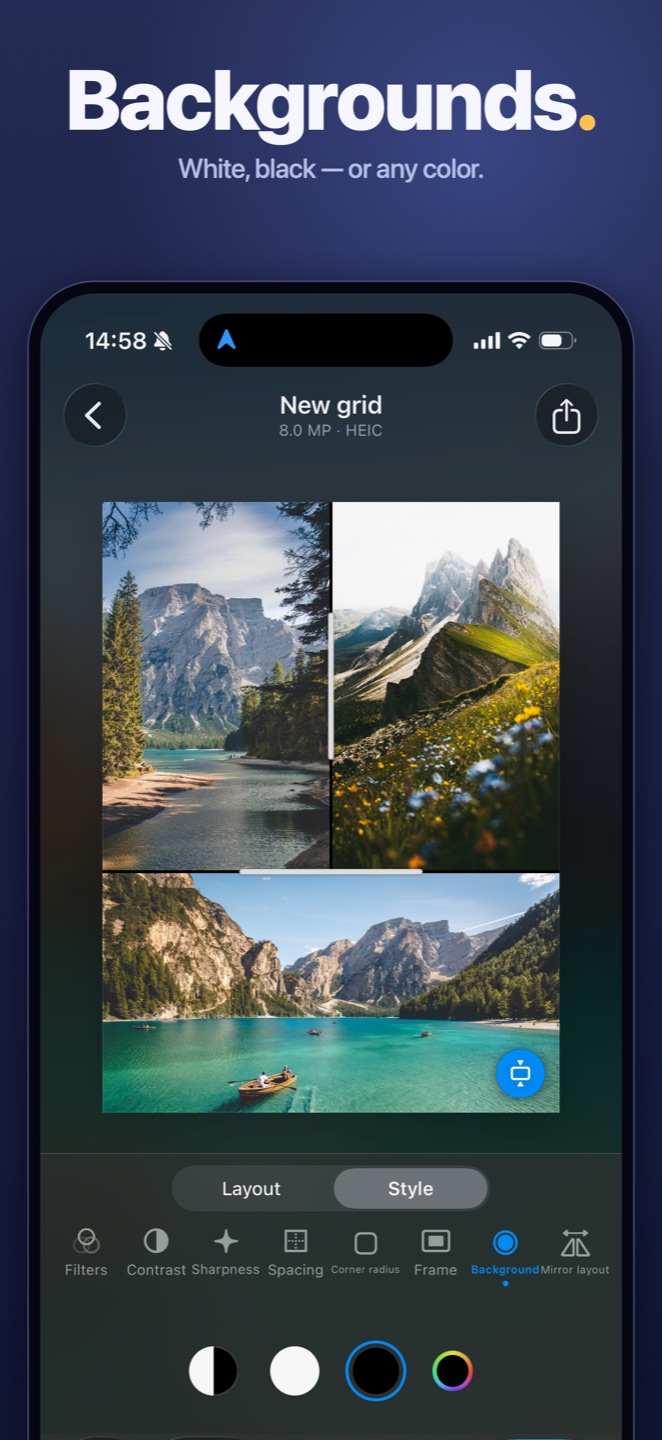
Filters, contrast and sharpness apply to the whole collage at once, so it reads as one picture. Let photos dissolve gently into the background with soft edges, or scatter a light pattern along the margins — stars, sun rays, birds, snow, hearts, sparks, mist or soft shapes, in any size and color. Subtle by design: it frames your photos, never covers them.
Layouts that listen
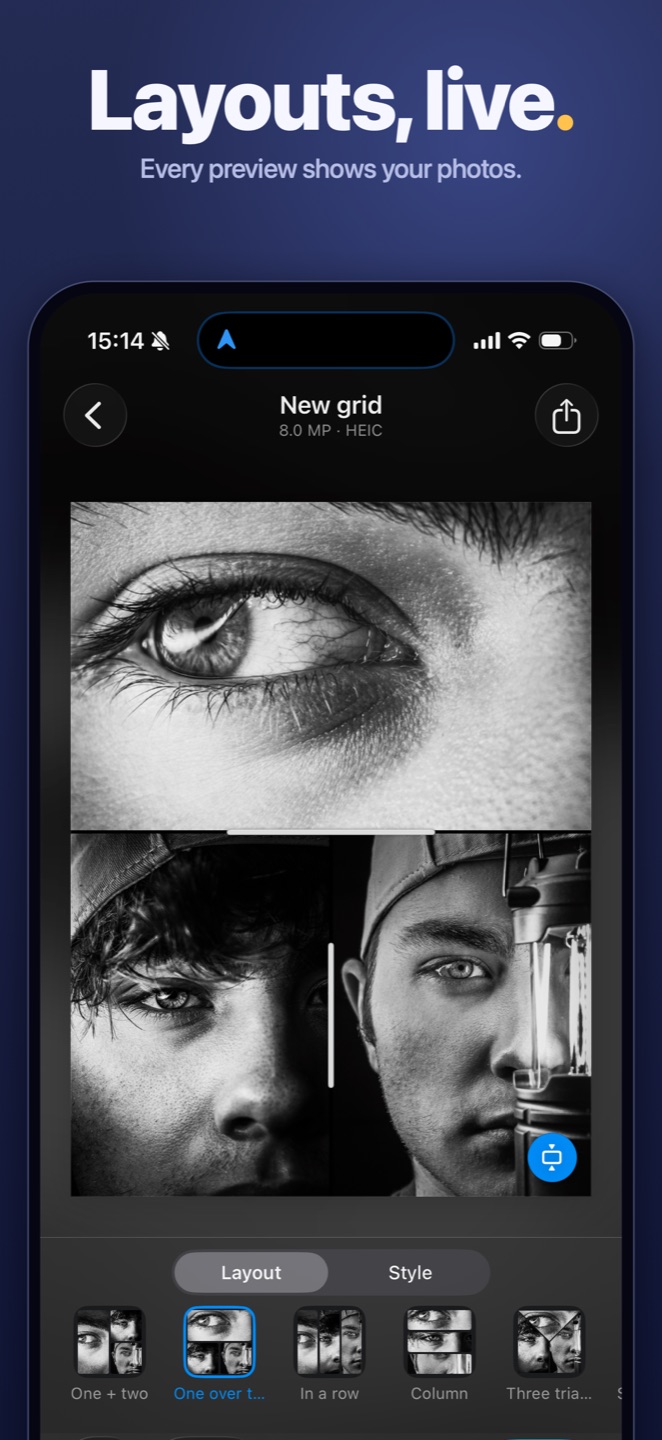
Every layout appears the instant you pick your photos, each preview already showing your own shots. Classic grids, diagonals and envelopes, or a circle with photos fanned around it. Tap to switch, drag the borders until it feels right, swap any two photos with a long press.
Start right from Photos
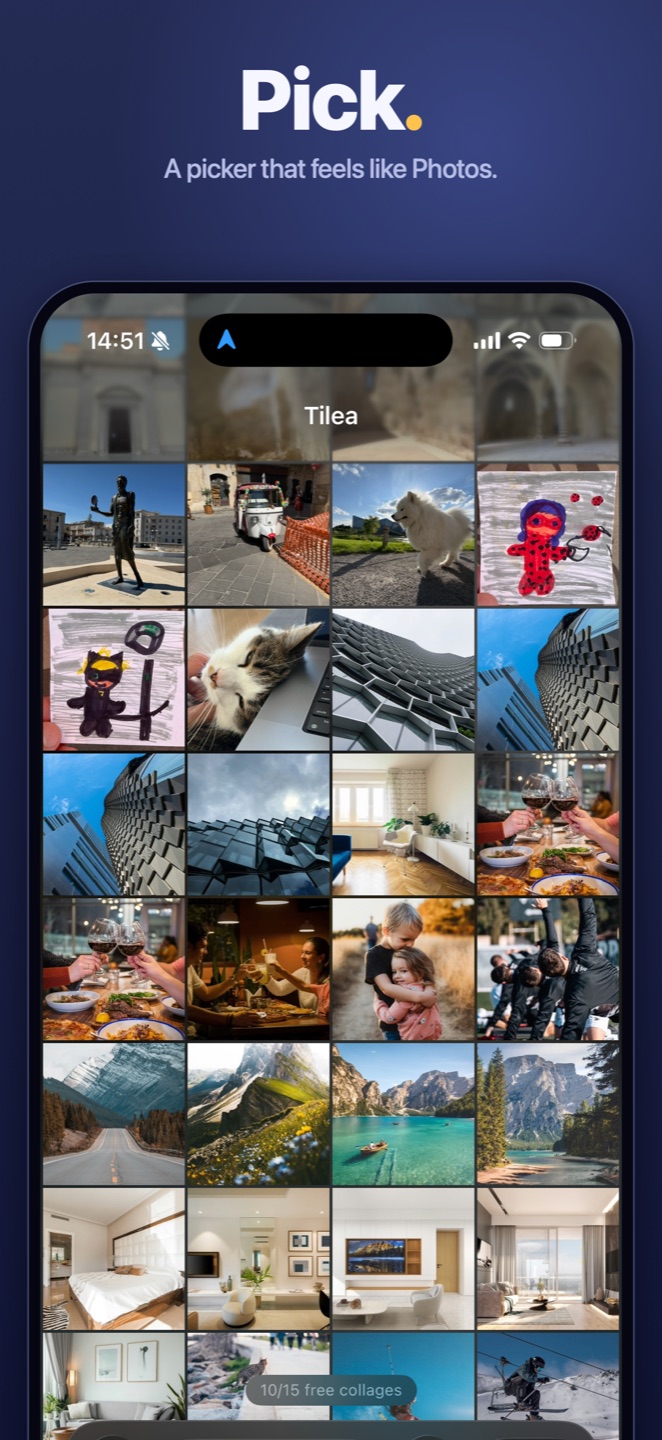
Select pictures → Share → Tilea, and the collage is built right there, without leaving Photos. Prefer to start in the app? The built-in picker feels just like Photos: browse albums, pinch to resize the grid, open any shot full screen and select it right there. Both roads lead to the same fast editor.
Sized for wherever it's going
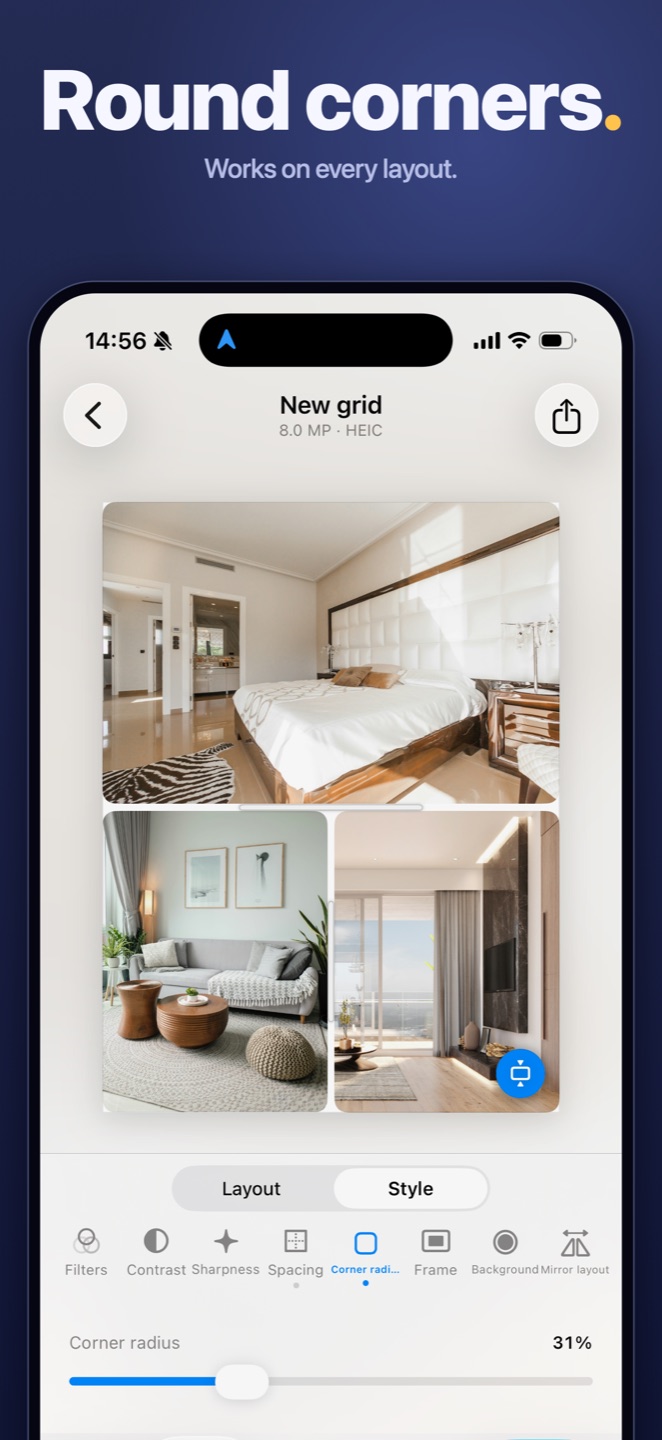
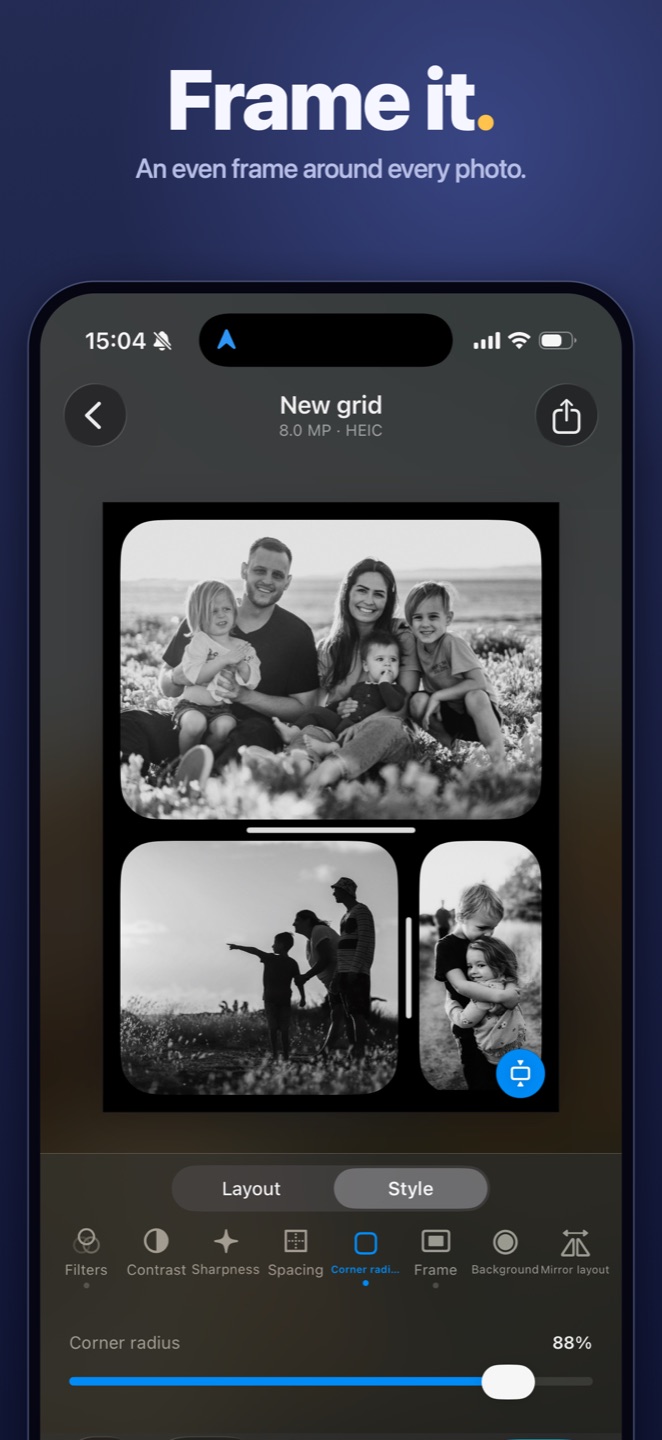
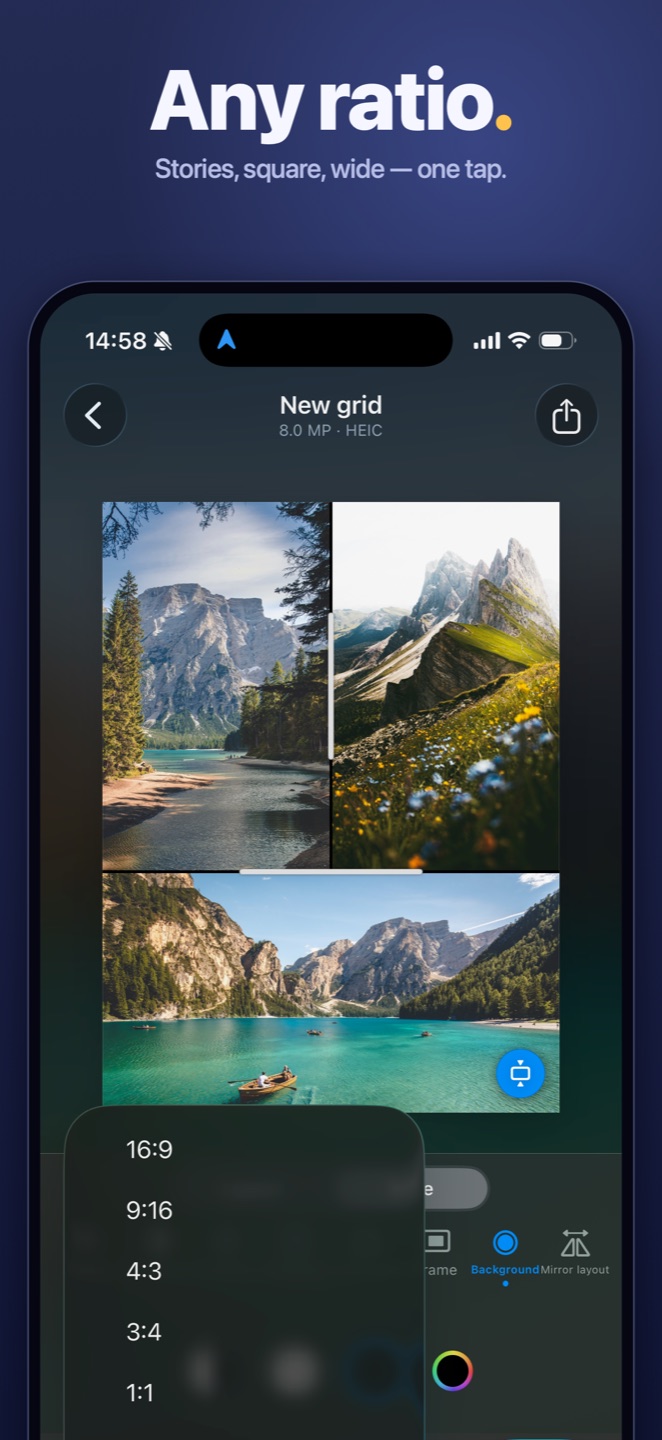
Stories, square, wide — pick a ratio in one tap, or let Tilea choose by your photos. Spacing, corner radius and an even frame are all live sliders. Photos move freely inside their frames — pan, zoom, rotate — or tap Fit to show every photo whole, with nothing cropped away.
Built like it matters
Full-resolution export in HEIC or JPEG, no watermarks, no downscaling. Your collage keeps the original date, location and camera details — so it lands in your timeline exactly where it belongs.
Private by design
Everything runs on your iPhone. No servers, no uploads, no account, no tracking — and no internet needed. Your photos never leave your device, and never will.
Fast where it counts
The share sheet opens instantly, layouts redraw as you drag, and what you see on screen is exactly what gets saved. No spinners between you and the picture.
No limits, no nagging
Add as many photos as you like. No ads, no watermark on any tier, and nothing asking you to rate it while you work.
No subscription. Ever.
Your first 15 collages are free. One small one-time purchase unlocks unlimited collages forever — and with Family Sharing, your whole family shares it too.
Download on the App Store →