One photo, three tiles: the small trick that makes a single shot look designed
Most of my favourite photos are single shots that don't need company. Split cuts one picture across a grid — three tiles, a diagonal, a circle — and suddenly it reads like a poster, not a snapshot.
I used to think a collage needed at least three photos. Two felt like a comparison, one felt like… a photo. Then one evening I dragged the same picture into Tilea three times by accident, and the layout that came out — the shot cut into three tall tiles with a thin white seam between them — looked better than anything I’d made that week.
That accident became Split.
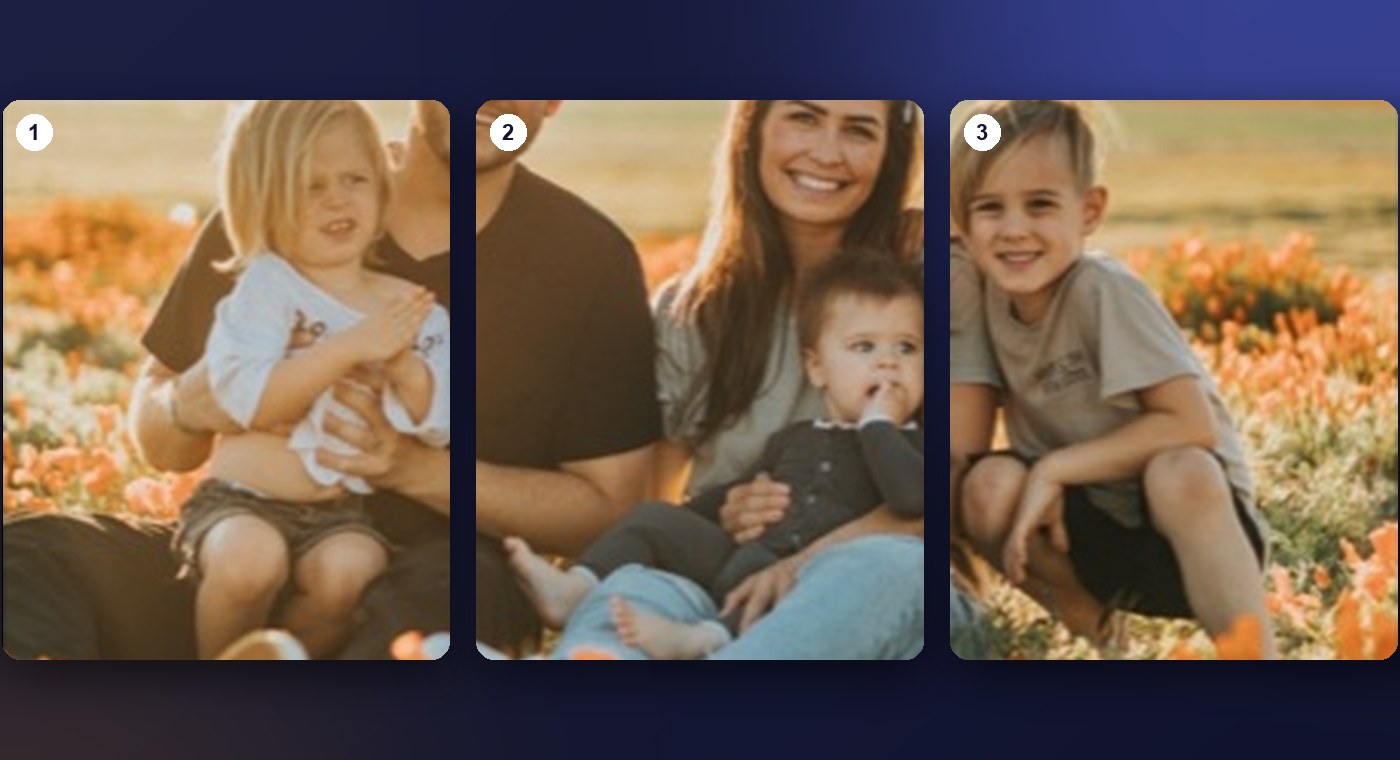
What it actually does
You bring in one photo. A slider appears — Parts, from 1 to 9. Drag it, and the photo is cut across a grid, live. It’s still one picture; the grid just runs through it. Move or zoom the photo and it moves under the whole grid at once, so a face never ends up split down the middle unless you want it to.
The part I like most: the cut follows any layout, not only straight ones. Three tall tiles is the classic. A diagonal turns a dinner photo into something you’d hang in a kitchen. The circle-with-rays layout makes a portrait look like a vinyl sleeve.
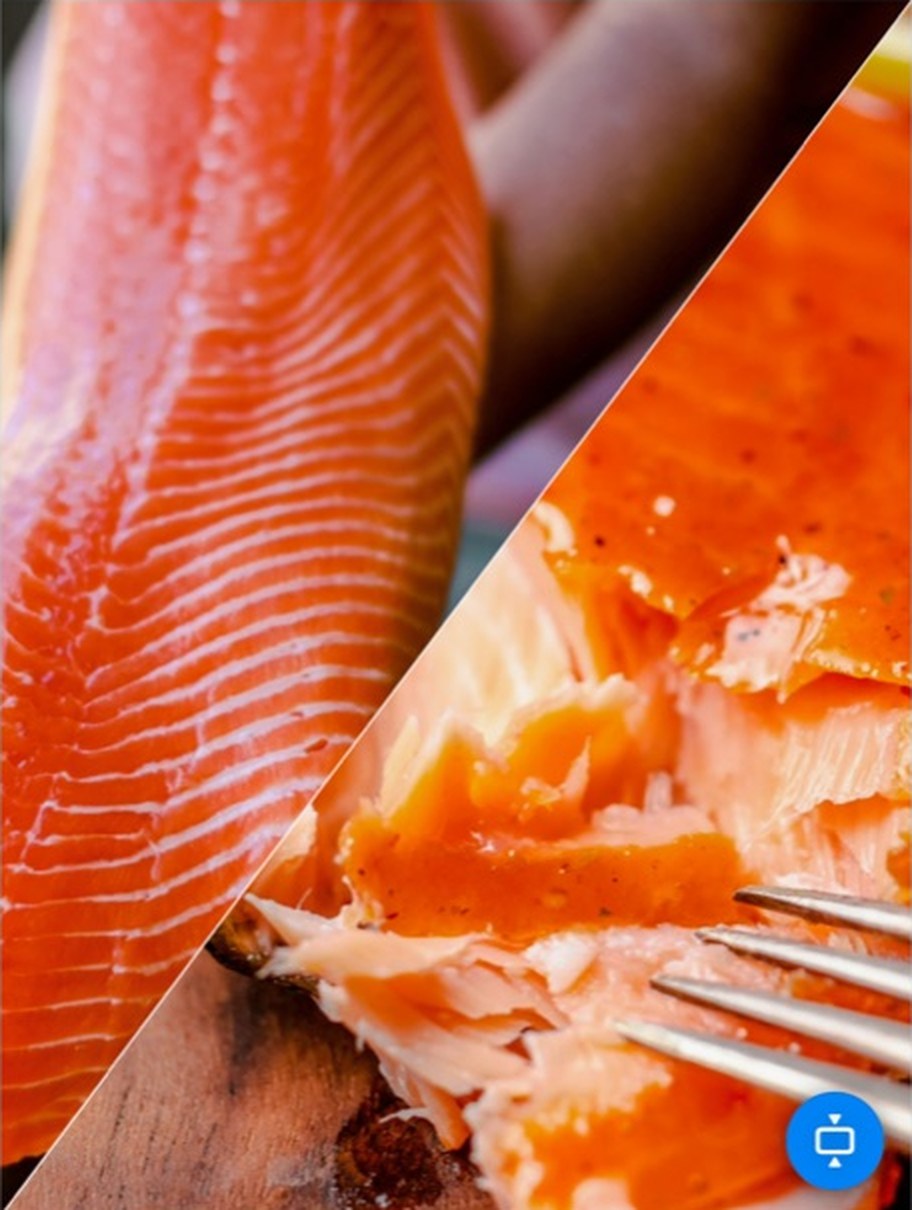
Why it works (I think)
A single photo asks you to look at it. The same photo with seams through it asks you to look into it — your eye jumps between the tiles, compares them, reassembles the picture. That’s the difference between a snapshot and something that feels composed. No filter does that. A couple of lines do.
It also solves a boring practical problem: a single 3:2 photo posted as a square gets cropped by whatever app you post it to. Three tiles in a square frame keep more of the picture, and the white seams are part of the design rather than dead space.
Where I use it
- Stories. One vertical photo cut into three horizontal bands. It reads as intentional in a feed full of screenshots.
- The wall. A print of a landscape cut into three tall panels, framed as one. The seams are the frame’s job now.
- The “before I say anything” post. When a photo is strong enough that a caption would only get in the way, the cut is the caption.
Try it without installing anything
The web version of Tilea at tilea.app/collage-maker does Split too — drop in one photo and drag the Parts slider. It stops at three parts there; the app goes to nine, and adds the circular cuts, pan and zoom under the grid, and export at full resolution with the photo’s original date and location kept. Both are free to try. Neither puts a watermark on your picture — that’s a promise I made to myself before I made it to anyone else.
If you make something with it, I’d genuinely like to see it: support@tilea.app. I answer everything, usually the same day.